
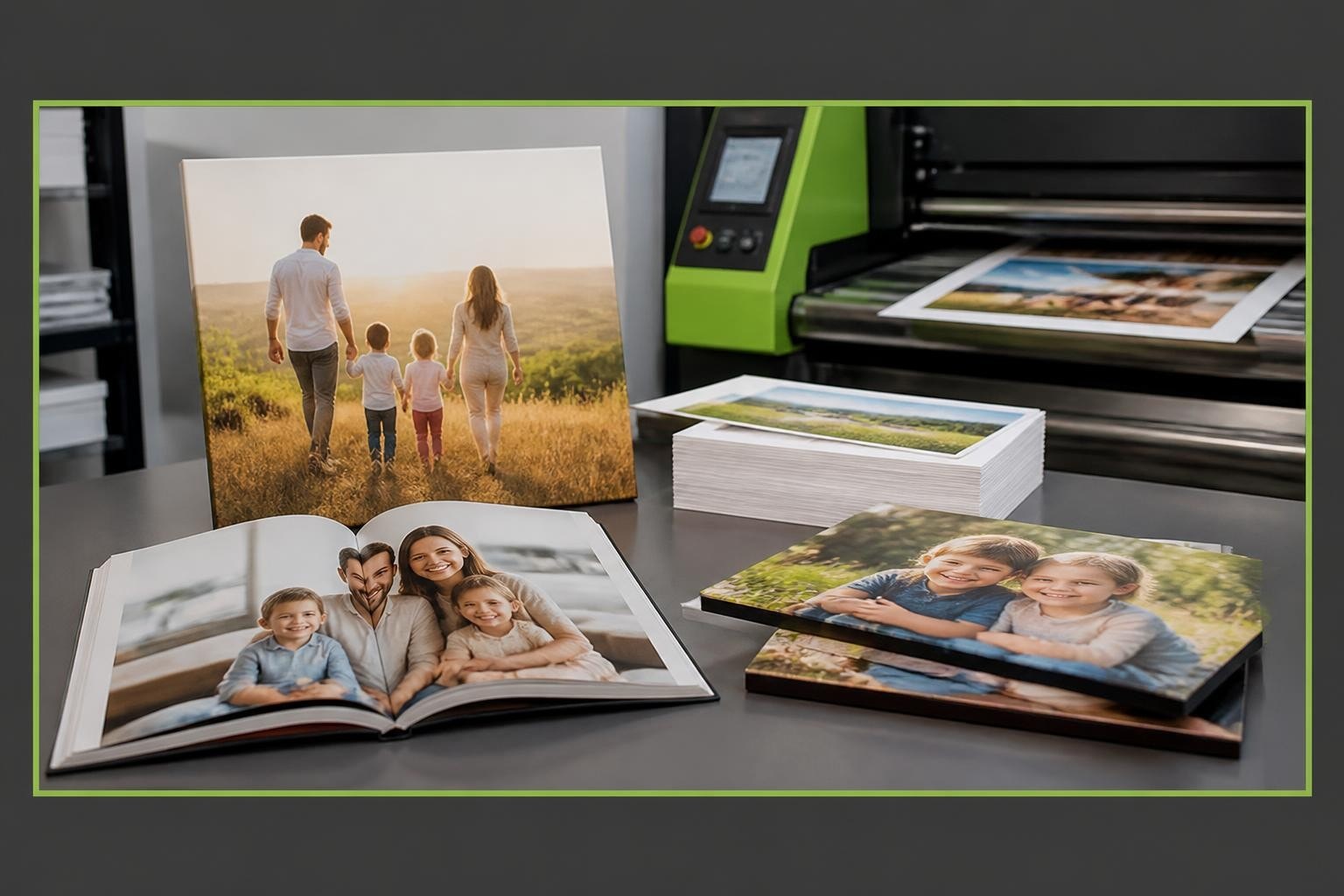
The personalised print industry has evolved dramatically over the past decade, driven by sophisticated photo print software that bridges the gap between customer creativity and production-ready output. For businesses offering photobooks, calendars, and personalised gifts, the right software solution determines operational efficiency, product quality, and customer satisfaction. Understanding the capabilities and requirements of modern photo print software has become essential for print laboratories and retailers seeking to maintain competitive advantage in an increasingly digital marketplace.
Core Functions of Modern Photo Print Software
Photo print software serves as the technological backbone for businesses producing personalised print products. These systems handle everything from initial design creation through to production file generation, ensuring seamless workflows that maintain quality whilst reducing manual intervention.
The primary function involves transforming customer images into print-ready files. This process requires sophisticated colour management, resolution handling, and layout optimisation. Quality photo print software automatically detects and corrects common image issues, saving production time whilst improving final output quality.
Key operational capabilities include:
- Design interface management for web and desktop environments
- Automated preflight checking to identify potential print issues
- Colour space conversion between RGB and CMYK
- Resolution optimisation and upscaling algorithms
- Template management for consistent product offerings
- Order processing integration with e-commerce platforms

Design Flexibility and Customer Experience
Modern consumers expect intuitive design tools that offer creative freedom without overwhelming complexity. Photo print software must balance these demands, providing enough customisation options whilst maintaining guardrails that prevent production errors.
Taopix’s online designer demonstrates how browser-based solutions can deliver sophisticated design capabilities without requiring software downloads. This approach reduces friction in the customer journey whilst ensuring consistent experiences across devices.
The software architecture should support multiple design pathways. Some customers prefer fully automated solutions that intelligently arrange their photos, whilst others demand granular control over every element. Successful photo print software accommodates both preferences through tiered functionality that adapts to user expertise.
| Feature Category | Consumer Benefit | Production Impact |
|---|---|---|
| Drag-and-drop interface | Easy photo placement | Reduced design errors |
| Smart auto-fill | Quick photobook creation | Higher order completion rates |
| Real-time previews | Accurate expectations | Fewer reprints and returns |
| Mobile responsiveness | Design anywhere capability | Expanded market reach |
Technical Requirements for Print Production
Photo print software must meet rigorous technical standards to ensure consistent, high-quality output. Colour accuracy represents perhaps the most critical requirement, as even minor deviations become immediately apparent in photographic prints.
Professional systems implement comprehensive colour management workflows. This includes support for industry-standard characterisation data that defines precise print conditions for different substrates and printing technologies. Adherence to these standards ensures predictable colour reproduction across different production facilities and equipment.
Resolution handling poses another significant challenge. Customers frequently upload images from mobile devices with varying pixel dimensions. Effective photo print software must:
- Analyse uploaded image resolution against final print dimensions
- Warn customers when image quality may be insufficient
- Apply intelligent upscaling algorithms where appropriate
- Maintain aspect ratios to prevent distortion
- Optimise file sizes for efficient processing
Metadata Preservation and Management
Professional photo print software recognises the importance of embedded image information. Photo metadata standards such as EXIF, IPTC, and XMP contain valuable data about capture settings, copyright information, and colour space definitions.
Preserving this metadata throughout the production workflow ensures accurate colour rendering and maintains important attribution information. Smart software systems extract and utilise embedded colour profiles rather than applying generic conversions that may compromise image quality.
Integration Capabilities and Workflow Automation
No photo print software operates in isolation. Modern production environments require seamless integration with multiple systems including e-commerce platforms, customer relationship management tools, and production equipment.
API connectivity enables automated order flow from initial customer submission through to production queue assignment. This eliminates manual data entry, reduces errors, and accelerates order turnaround times. Businesses serving multiple sales channels particularly benefit from unified integration architecture that consolidates orders from various sources into a single production workflow.

Consider the typical order journey:
- Customer completes design and places order through web interface
- Payment processing triggers automatically
- Order data transfers to photo print software
- Production files generate with appropriate specifications
- Manufacturing equipment receives job parameters
- Fulfilment system updates with tracking information
- Customer receives automated status notifications
Each handoff point requires robust data exchange protocols. Understanding print production standards helps ensure these integrations maintain quality throughout the chain.
Template Management and Product Expansion
Successful print businesses continuously expand their product catalogues to address market demands. Photo print software must facilitate rapid template creation whilst maintaining production consistency.
Template systems define fixed and variable elements within each product. A photobook template, for instance, specifies page dimensions, bleed margins, safe zones, and binding allowances as fixed parameters whilst allowing customer images and text to populate variable regions.
Advanced template engines support dynamic element behaviour, adjusting layouts based on the number of images uploaded or text length entered. This intelligence prevents common design errors whilst preserving creative flexibility.
| Product Type | Template Complexity | Key Variables |
|---|---|---|
| Photobooks | High | Page count, binding style, cover finish |
| Calendars | Medium | Start month, layout style, holidays |
| Greeting cards | Low | Orientation, fold type, finish |
| Canvas prints | Low | Dimensions, edge wrapping, mounting |
Quality Control and Preflight Automation
Manual quality checking creates production bottlenecks and introduces human error risk. Modern photo print software incorporates automated preflight systems that scan every order for potential issues before production begins.
These systems examine technical specifications including:
- Image resolution sufficiency for final print dimensions
- Colour space compatibility with production equipment
- Font embedding and character support
- Bleed and trim margin compliance
- File format compatibility
- Page count validation against product specifications
When issues are detected, intelligent software determines whether automatic correction is possible or customer intervention is required. Minor problems like missing bleed extensions can often be resolved through automated processing, whilst low-resolution images require customer notification and approval.
Barcelona’s Serafi laboratory demonstrates how comprehensive preflight automation enables small teams to process high order volumes without sacrificing quality standards.
Colour Accuracy and Proofing
Colour management represents the most technically demanding aspect of photo print software. Customer monitors vary wildly in calibration and capability, yet they expect their prints to match what they see on screen.
Sophisticated software implements soft proofing capabilities that simulate final print appearance within the design interface. This requires accurate colour profiles for both customer displays and production equipment, along with rendering intent algorithms that handle out-of-gamut colours intelligently.

Production facilities must maintain calibrated equipment and regular profiling routines. Photo print software then applies these profiles during file processing, ensuring consistent output regardless of which press or printer produces the final product.
Scalability and Performance Considerations
Photo print software must handle varying workload intensities, from quiet periods to seasonal peaks when order volumes may increase tenfold. Cloud-based architectures provide elastic scaling capabilities that automatically provision additional processing resources during high-demand periods.
Performance impacts customer experience directly. Slow design interfaces frustrate users and increase abandonment rates, whilst sluggish file processing creates production delays. Modern solutions employ several strategies to optimise performance:
- Progressive image loading displays low-resolution previews whilst full files upload
- Client-side rendering offloads processing to customer devices where possible
- Distributed processing spreads computational load across multiple servers
- Intelligent caching stores frequently accessed templates and assets
- Asynchronous job queuing prevents system overload during peak times
Multi-Site and Multi-Brand Support
Print businesses operating multiple facilities or serving different market segments require software that supports varied configurations from a single platform. Centralised management with localised customisation enables consistent operational standards whilst accommodating regional requirements.
This architecture allows businesses to:
- Maintain separate product catalogues for different brands
- Apply region-specific pricing and promotions
- Support multiple languages and currencies
- Route orders to appropriate production facilities based on geography or capacity
- Aggregate reporting across all operations whilst preserving site-level detail
H&H Color Lab’s deployment illustrates how scalable photo print software enables ambitious growth strategies without proportional increases in operational complexity.
Desktop Applications versus Web-Based Solutions
The choice between desktop and web-based photo print software involves trade-offs between functionality, accessibility, and user preference. Desktop applications traditionally offered superior performance and advanced features, whilst web solutions prioritised convenience and universal access.
Modern cloud technology has largely closed this capability gap, enabling browser-based applications to rival desktop performance. However, desktop designer software still appeals to specific customer segments, particularly professional photographers and enthusiasts who value offline functionality and advanced editing tools.
| Aspect | Web-Based | Desktop |
|---|---|---|
| Installation | None required | Download and install |
| Updates | Automatic | Manual or scheduled |
| Platform compatibility | Any modern browser | Operating system specific |
| Offline capability | Limited or none | Full functionality |
| Processing power | Server-dependent | Local hardware |
| Feature richness | Increasingly comprehensive | Traditionally superior |
Many businesses adopt hybrid strategies, offering both deployment options to accommodate different customer preferences. This approach maximises market coverage whilst allowing customers to choose their preferred working method.
Data Security and Privacy Compliance
Photo print software handles sensitive customer information including personal photographs, payment details, and delivery addresses. Robust security measures and privacy compliance are non-negotiable requirements for any serious solution.
Essential security features include:
- End-to-end encryption for data transmission
- Secure storage with regular backup protocols
- Access controls limiting employee data visibility
- Payment card industry (PCI) compliance for transaction processing
- GDPR adherence for European customer data
- Automated data retention policies ensuring timely deletion
Customer trust depends on demonstrable commitment to privacy. Transparent data handling policies and certified security standards provide reassurance that personal images and information remain protected throughout the production process.
Disaster Recovery and Business Continuity
Production interruptions cost revenue and damage customer relationships. Comprehensive photo print software includes disaster recovery capabilities that minimise downtime and prevent data loss.
Redundant systems, automated backups, and failover protocols ensure business continuity even when primary systems experience problems. Cloud-based solutions inherently provide geographic redundancy, distributing data across multiple data centres to protect against localised failures.
Analytics and Business Intelligence
Data-driven decision-making separates thriving print businesses from struggling competitors. Photo print software should capture and analyse operational metrics that inform strategic choices.
Valuable insights include:
- Product popularity trends and seasonal patterns
- Customer design behaviour and completion rates
- Average order values and profit margins by product type
- Production efficiency metrics and bottleneck identification
- Quality issues and reprint rates
- Customer acquisition costs and lifetime value
Sophisticated reporting dashboards transform raw data into actionable intelligence, highlighting opportunities for product development, pricing optimisation, and operational improvement. Integration with broader business analytics platforms enables comprehensive performance monitoring across all business functions.
Customisation and White-Label Capabilities
Print businesses require photo print software that reflects their brand identity rather than the software provider's. White-label solutions enable complete customisation of customer-facing interfaces whilst maintaining powerful production capabilities beneath the surface.
Customisation extends beyond superficial branding. Leading platforms allow businesses to modify workflows, create proprietary product types, and develop unique features that differentiate their market offerings. This flexibility supports competitive positioning whilst maintaining the operational benefits of proven software infrastructure.
Taopix’s fully customisable user experience demonstrates how white-label photo print software enables print businesses to create distinctive customer experiences whilst leveraging enterprise-grade production capabilities.
Modern photo print software represents far more than a design tool-it forms the operational foundation for successful personalised print businesses. The combination of intuitive customer interfaces, robust production workflows, and comprehensive integration capabilities determines both customer satisfaction and operational efficiency. For print laboratories and retailers seeking to print memories at scale whilst maintaining quality and profitability, selecting the right software partner is perhaps the most strategic decision they will make. Taopix provides enterprise-grade photo print software that enables businesses to offer exceptional photobooks, calendars, and personalised gifts with flexible workflows tailored to your unique requirements.