
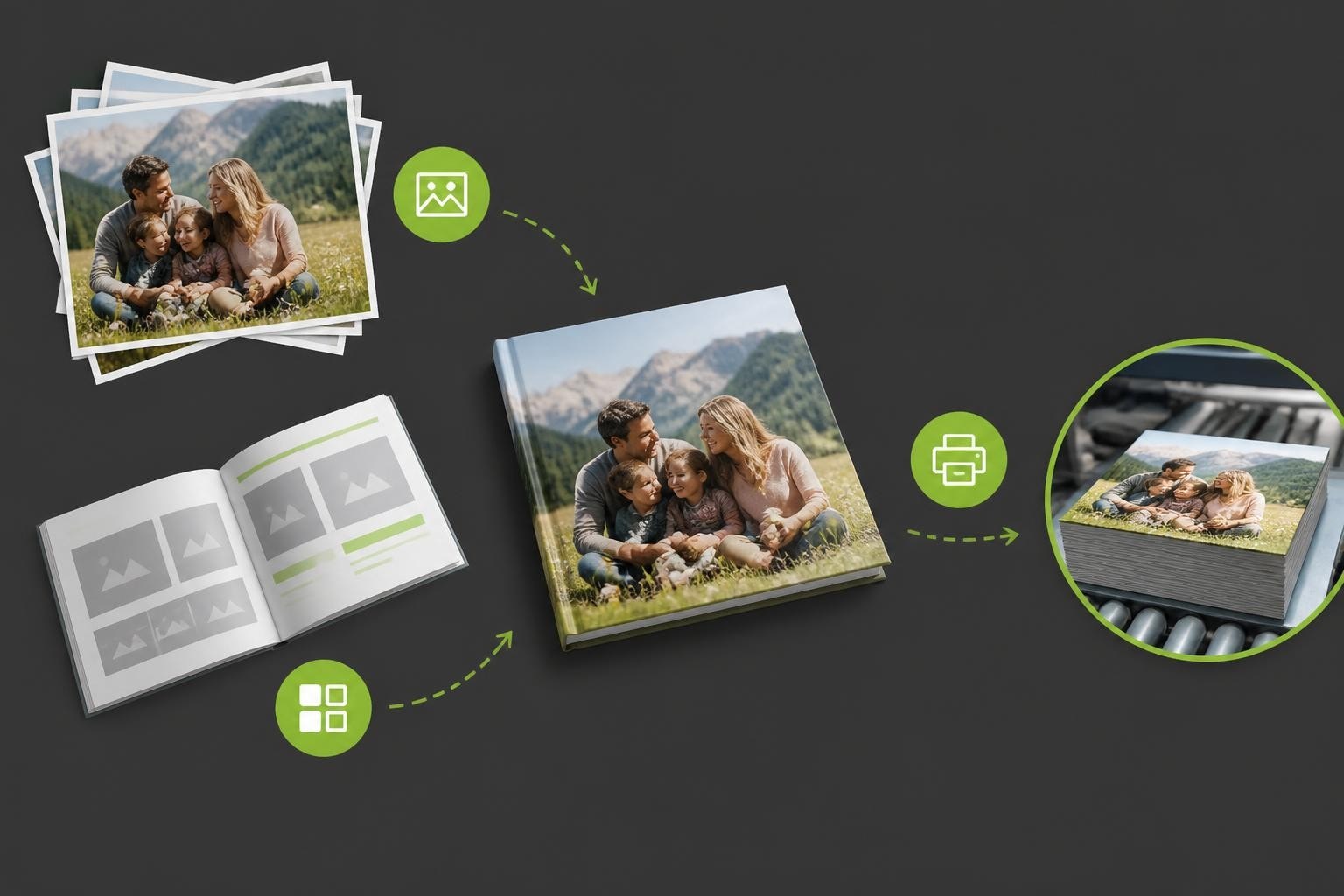
The digital photography revolution has fundamentally changed how we preserve memories, with the average person capturing thousands of images annually. Yet most remain trapped on devices, never experiencing physical form. Online photobook creator software bridges this gap, transforming digital collections into tangible keepsakes through browser-based design tools that require no downloads or installations. These platforms have evolved from basic template systems into sophisticated design environments that balance creative freedom with user-friendly interfaces, serving everyone from casual consumers creating family albums to professional photographers delivering client projects.
The Technology Behind Modern Photobook Creation Platforms
Online photobook creator software operates on cloud-based infrastructure that handles multiple complex processes simultaneously. When users upload images, the system must process file formats, manage compression without quality loss, and organise assets for real-time editing. The most effective platforms employ responsive design principles, ensuring consistent functionality across desktop browsers, tablets, and smartphones.
Core technical capabilities include:
- Real-time image rendering and preview generation
- Dynamic layout engines that adapt to different content volumes
- Cloud storage with redundancy and version control
- Print-ready PDF generation with bleed and colour management
- API integration for third-party photo libraries and fulfilment services
The shift towards web-based solutions has accelerated dramatically. According to market research on photo book design platforms, web-based tools now command the largest revenue share globally, surpassing both desktop applications and mobile apps in commercial photobook creation. This dominance reflects user preference for accessible, platform-agnostic solutions that eliminate software installation barriers.
Processing Architecture and Performance
Behind the user interface, online photobook creator software relies on distributed computing resources to handle processor-intensive tasks. Image manipulation operations such as cropping, filters, and colour correction execute server-side, whilst the interface maintains responsiveness through asynchronous processing. This architecture proves essential when users work with high-resolution images exceeding 20 megapixels.
Modern platforms implement progressive loading strategies, displaying low-resolution previews whilst full-quality assets load in the background. This approach significantly improves perceived performance, particularly for users on slower internet connections or those creating larger photobooks with hundreds of pages.

Essential Features That Define Quality Photobook Software
The difference between adequate and exceptional online photobook creator software lies in feature depth and implementation quality. Businesses selecting technology partners must evaluate capabilities across design flexibility, workflow efficiency, and output quality.
| Feature Category | Key Capabilities | Business Impact |
|---|---|---|
| Design Tools | Drag-and-drop interface, custom layouts, text editing | Reduces time-to-completion, increases order value |
| Asset Management | Bulk upload, auto-placement, photo organisation | Improves user satisfaction, decreases abandonment |
| Customisation | Brand theming, template control, product variants | Enables market differentiation, supports premium pricing |
| Quality Control | Resolution warnings, bleed guides, colour profiles | Reduces customer service issues, minimises reprints |
Template libraries represent a critical decision point. Whilst extensive collections provide choice, they can overwhelm users. The most successful implementations curate templates by occasion, style, and skill level, using intelligent filtering to surface relevant options quickly. Taopix’s online designer exemplifies this approach, balancing variety with discoverability.
Intelligent Automation and AI-Assisted Design
Advanced online photobook creator software now incorporates artificial intelligence to streamline creation workflows. Smart placement algorithms analyse image content, detecting faces and important subjects to optimise cropping and positioning. These systems can automatically sequence photos chronologically using EXIF data, or group them thematically based on visual similarity.
However, automation must remain balanced with user control. The most effective implementations offer AI suggestions that users can accept, modify, or reject entirely. This hybrid approach accelerates creation for time-constrained users whilst preserving creative autonomy for those who desire granular control over every design element.
Workflow Integration and Business Ecosystem Connectivity
Professional photobook businesses require online photobook creator software that integrates seamlessly with existing operational infrastructure. Standalone design tools create data silos and manual handoff points that introduce errors and delays. Enterprise-grade platforms function as workflow orchestrators, connecting multiple business systems.
Critical integration points include:
- E-commerce platforms for order capture and payment processing
- Customer relationship management systems for personalisation and marketing
- Production management software for job tracking and scheduling
- Fulfilment networks for printing, binding, and distribution
- Analytics platforms for user behaviour monitoring and optimisation
The value of tight integration becomes apparent in order accuracy and operational efficiency. When design data flows automatically to production systems with embedded specifications for size, paper stock, binding method, and finishing options, manual interpretation errors disappear. Personalised product software that encompasses these connections delivers measurable improvements in throughput and quality consistency.
API Architecture and Extensibility
Modern online photobook creator software exposes functionality through well-documented application programming interfaces. These APIs enable businesses to embed creation tools within existing websites, mobile applications, or even physical retail kiosks. The flexibility to deploy design capabilities across multiple customer touchpoints whilst maintaining a unified back-end proves increasingly valuable in omnichannel retail environments.
API-first architecture also future-proofs technology investments. As new platforms emerge or customer preferences shift, businesses can adapt their front-end experience without replacing core creation infrastructure. This modularity reduces technical debt and enables faster response to market opportunities.

User Experience Design and Interface Optimisation
The success of online photobook creator software ultimately depends on user experience quality. Complex functionality must present through intuitive interfaces that accommodate varying technical proficiency levels. Research on interface usability for online publishing software demonstrates that learnability and error prevention significantly impact user satisfaction and project completion rates.
Progressive Disclosure and Contextual Guidance
Effective interfaces reveal complexity gradually. New users encounter simplified options with sensible defaults, whilst experienced creators access advanced controls through expandable panels or settings menus. This progressive disclosure approach prevents cognitive overload during initial sessions whilst accommodating skill development over time.
Contextual help systems provide guidance precisely when users need it. Rather than comprehensive manuals users must search, modern online photobook creator software offers tooltips, inline tutorials, and decision wizards triggered by specific actions or detected confusion patterns. These micro-learning moments prove far more effective than traditional documentation.
Mobile Responsiveness and Cross-Device Workflows
Consumer behaviour increasingly fragments across devices. Users might begin a photobook project on a smartphone during their commute, continue editing on a tablet whilst relaxing at home, and finalise details on a desktop computer. Online photobook creator software must support these cross-device workflows through cloud synchronisation and responsive interface design.
Mobile presents unique challenges and opportunities. Screen size constraints demand simplified interfaces, yet mobile devices serve as the primary photo capture tool for most users. Platforms that enable direct creation from camera rolls whilst providing seamless transition to larger screens for detailed editing deliver superior user experiences.
| Device Type | Primary Use Case | Design Priorities |
|---|---|---|
| Smartphone | Quick projects, photo upload, browsing templates | Touch-optimised controls, simplified layout options |
| Tablet | Mid-complexity editing, family collaboration | Balance between features and simplicity |
| Desktop | Detailed customisation, professional projects | Full feature access, keyboard shortcuts, precision tools |
The technical implementation of responsive design affects more than visual presentation. Touch interactions require larger hit targets and different gesture patterns than mouse-based input. Processing capabilities vary dramatically between devices, necessitating adaptive quality settings that maintain performance across hardware generations.
Colour Management and Print Quality Assurance
The transition from screen to print represents the most critical quality checkpoint in photobook creation. Online photobook creator software must manage colour spaces, embedded profiles, and rendering intent to ensure printed output matches user expectations. Comprehensive colour management workflows require coordination between software, production equipment, and material specifications.
Essential colour management features:
- sRGB to CMYK conversion with customisable profiles
- Soft proofing capabilities that simulate print appearance
- Gamut warnings for out-of-range colours
- Embedded ICC profiles in generated print files
- Screen calibration guidance for advanced users
Beyond colour, resolution management prevents disappointing output. The software must analyse each placed image, warning users when pixel density falls below acceptable thresholds for the chosen print size. Intelligent upscaling algorithms can recover marginal images, but truly undersized photos require replacement or layout adjustment.
Material Selection and Finishing Options
Professional online photobook creator software presents material and finishing choices during the design process, not as afterthoughts at checkout. Paper weight, surface finish (matte, glossy, lustre), binding methods (perfect bound, lay-flat, spiral), and cover materials all affect design decisions and final aesthetics.
Integration of these options into the creation workflow enables users to make informed decisions. Preview modes that simulate different paper finishes help visualise how images will appear, whilst pricing transparency at each selection point manages expectations and supports upselling to premium options.

Customisation and White-Label Capabilities
Businesses deploying online photobook creator software face a strategic choice: adopt a standardised solution or implement customised branding. White-label capabilities enable complete interface customisation, from colour schemes and typography to logos and terminology. This flexibility proves essential for established brands seeking technology enablement without compromising brand identity.
Template Control and Product Range Management
Sophisticated platforms separate the creation engine from content libraries. Businesses can curate template collections that align with their market positioning, seasonal promotions, and target demographics. A children's photography studio requires different design assets than a wedding photography business, even when both use identical underlying technology.
Product range management extends beyond templates to include physical specifications. Online photobook creator software should accommodate diverse size options, page counts, and binding styles without requiring separate design tools. Case studies of long-term software partnerships demonstrate how flexible platforms adapt to evolving product strategies whilst maintaining operational continuity.
Performance Optimisation and Scalability Considerations
Technical performance directly impacts business outcomes. Slow-loading interfaces increase abandonment rates, whilst laggy editing experiences frustrate users and reduce repeat purchases. Online photobook creator software must optimise performance across the entire user journey, from initial page load through final order submission.
Performance metrics that matter:
- Time to interactive (target: under 3 seconds on 4G connections)
- Image upload throughput (supporting batches of 100+ photos)
- Layout operation responsiveness (drag, resize, rotate under 100ms)
- Preview generation speed (full-book preview under 10 seconds)
- Order processing reliability (99.9% successful submissions)
Scalability requirements fluctuate dramatically around peak seasons. Mother's Day, Christmas, and back-to-school periods can generate traffic spikes exceeding 10x baseline levels. Cloud-native architectures with auto-scaling capabilities ensure consistent performance during demand surges without over-provisioning resources during quiet periods.
Accessibility and Inclusive Design Principles
Online photobook creator software serves diverse user populations with varying abilities. Accessibility features benefit everyone whilst proving essential for users with visual, motor, or cognitive impairments. Keyboard navigation, screen reader compatibility, sufficient colour contrast, and clear focus indicators represent baseline requirements for inclusive design.
Beyond regulatory compliance, accessible interfaces expand market reach and improve usability for all users. Features like undo/redo functionality, auto-save, and clear error messages assist users with cognitive differences whilst making the software more forgiving for everyone. Creating personalised travel books becomes accessible to broader audiences when software removes unnecessary barriers.
Data Security and Privacy Protection
Online photobook creator software handles deeply personal content. Family photographs, private celebrations, and intimate moments require robust security measures and transparent privacy policies. Users must trust that their images remain confidential, securely stored, and deleted upon request.
| Security Layer | Implementation | User Benefit |
|---|---|---|
| Transport | TLS 1.3 encryption | Protects uploads and downloads |
| Storage | AES-256 encryption at rest | Secures stored images |
| Access Control | Multi-factor authentication, role-based permissions | Prevents unauthorised access |
| Compliance | GDPR, CCPA adherence | Legal protection, data rights |
Regular security audits, penetration testing, and vulnerability patching maintain protection against evolving threats. Transparent incident response procedures build user confidence, whilst clear data retention policies manage storage costs and privacy obligations simultaneously.
Analytics and Continuous Improvement
Successful online photobook creator software incorporates comprehensive analytics to inform ongoing optimisation. User behaviour tracking reveals where customers struggle, which features drive engagement, and which design patterns correlate with completed purchases versus abandoned projects.
Key analytical insights include:
- Funnel analysis identifying drop-off points in the creation process
- Feature utilisation rates showing which tools users value most
- Template performance metrics guiding curation decisions
- Error frequency and type informing interface improvements
- Session duration and completion rates measuring overall satisfaction
A/B testing capabilities enable data-driven interface refinement. Businesses can experiment with alternative layouts, button placements, or workflow sequences, measuring impact on conversion rates and average order values. This empirical approach to optimisation delivers continuous improvement without relying on subjective preferences or assumptions.
Supporting Enterprise Deployment and Training
Large-scale implementations of online photobook creator software require structured deployment methodologies and comprehensive training programmes. Enterprise clients need technical documentation, integration guides, and ongoing support to maximise their technology investment.
Training materials should address multiple audience segments. End users require interface tutorials and design guidance, whilst technical staff need API documentation and system administration instructions. Customer service representatives benefit from troubleshooting guides and common issue resolution procedures.
Businesses like Taopix recognise that software deployment represents the beginning of a partnership rather than a transaction endpoint. Ongoing support, feature updates, and strategic consultation ensure that technology evolves alongside business requirements, maintaining competitive advantage in dynamic markets.
Online photobook creator software has matured into a sophisticated category that balances technical complexity with user accessibility, delivering professional results through browser-based tools. Success requires selecting platforms that align with specific business requirements whilst maintaining flexibility for future evolution. Whether you're launching a new photobook service or enhancing existing offerings, Taopix provides the technology foundation and partnership approach to transform your vision into reality.