
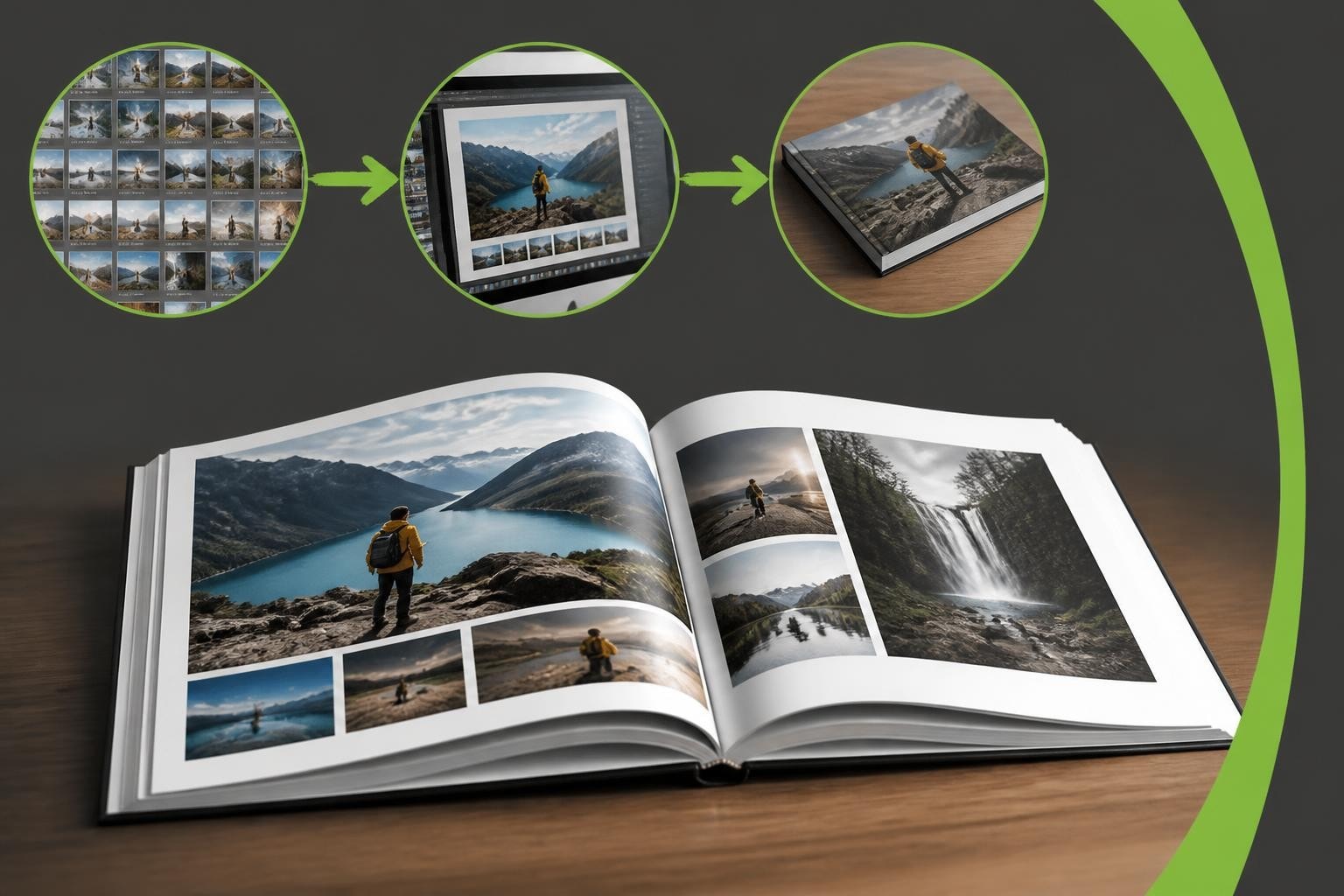
Creating a professionally printed photo book transforms your digital memories into tangible heirlooms that last generations. Whether you're preserving family moments, showcasing professional photography, or documenting travel adventures, understanding the technical and creative aspects of production ensures your finished product exceeds expectations. From selecting the right images to choosing binding methods and paper quality, every decision impacts the final result when you print your photo book.
Understanding Photo Book Quality Standards
Quality begins with proper image preparation and technical specifications. Your source files determine whether your finished product appears sharp and vibrant or disappointing and pixelated.
Resolution Requirements
Professional photo books require minimum resolution standards to ensure crisp, clear prints. Images should maintain at least 300 DPI (dots per inch) at their final printed size. A full-page photo measuring 20cm x 25cm needs dimensions of approximately 2400 x 3000 pixels.
Key resolution guidelines include:
- Full-page images: 300 DPI minimum
- Half-page images: 300 DPI for professional quality
- Small accent photos: 200 DPI acceptable in limited instances
- Cover images: 300 DPI recommended for maximum impact
Photographs from modern smartphones often meet these requirements, provided they haven't been heavily compressed or shared through messaging applications that reduce file sizes. Avoiding common photo book mistakes starts with checking your image quality before beginning the design process.

Colour Management Considerations
Colour accuracy between screen and print requires understanding colour spaces. Digital displays use RGB (Red, Green, Blue) whilst most printing processes use CMYK (Cyan, Magenta, Yellow, Black). This fundamental difference means your screen cannot perfectly preview printed colours.
Professional photo book creation software handles colour conversion automatically, but awareness helps manage expectations. Blues and bright greens often appear slightly different in print compared to screen display. Creating high-quality photo books requires accepting these inherent differences whilst optimising images for the print environment.
| Colour Space | Usage | Colour Gamut | Best For |
|---|---|---|---|
| RGB | Digital displays | Wider range | Screen viewing |
| CMYK | Print production | Print-capable range | Printed materials |
| sRGB | Web standard | Standard digital | Online sharing |
| Adobe RGB | Professional photography | Extended range | Pre-press work |
Designing Effective Photo Book Layouts
Layout design determines how viewers experience your photo book. Strategic arrangement guides the eye, creates narrative flow, and maximises visual impact.
Composition Principles
Professional layouts balance visual weight across each spread. A spread comprises two facing pages, and thoughtful designers consider this unified canvas rather than individual pages.
Strong layouts employ hierarchy through size variation. Feature hero images at full-page or double-page scale whilst supporting photos appear smaller. This variation creates visual interest and emphasises important moments.
Effective layout strategies:
- Alternate between single large images and multiple smaller photos
- Leave adequate white space to prevent crowded pages
- Align elements to invisible grids for professional appearance
- Group related photos to tell cohesive stories
- Use consistent margins throughout the book
The creative photo books approach demonstrates how innovative layouts transform ordinary collections into compelling narratives. Experiment with asymmetrical arrangements, varied photo sizes, and thoughtful spacing to create rhythm and visual interest.
Text Integration
Captions and narrative text enhance photo books when used judiciously. Text should complement rather than compete with imagery. Choose readable fonts at appropriate sizes-typically 10-12 points for body text and 14-18 points for headings.
Position text deliberately within layouts. Consistent placement (always bottom-left, for example) creates professional appearance. Alternatively, vary placement based on available negative space within each spread's composition.
Technical Production Choices
Production specifications dramatically affect both appearance and longevity when you print your photo book. Understanding options helps you make informed decisions aligned with your project's purpose and budget.
Paper Selection
Paper quality and finish influence how photographs appear and how long they last. Weight, measured in GSM (grams per square metre), indicates thickness and durability.
Common paper options include:
- Lustre/Satin (170-200 GSM): Subtle sheen reduces glare whilst maintaining colour vibrancy
- Glossy (170-200 GSM): High shine maximises colour intensity but shows fingerprints
- Matte (170-200 GSM): No glare, sophisticated appearance, slightly muted colours
- Premium Heavyweight (250-300 GSM): Luxury feel, exceptional durability, professional results
Lustre finishes offer the best balance for most photo books, combining colour richness with reduced glare. Matte papers suit artistic or documentary projects where a sophisticated, gallery-like presentation enhances the content.
| Paper Type | Pros | Cons | Best Use Case |
|---|---|---|---|
| Lustre | Balanced finish, reduced glare | Moderate fingerprint resistance | General photo books |
| Glossy | Maximum colour vibrancy | Shows fingerprints easily | Vibrant, colourful projects |
| Matte | No glare, sophisticated | Slightly muted colours | Artistic, documentary |
| Premium | Luxury feel, durability | Higher cost | Professional portfolios |
Binding Methods
Binding affects both functionality and aesthetics. Different methods suit different project types and page counts.
Layflat binding allows pages to open completely flat, creating seamless double-page spreads without image loss in the gutter. This premium option particularly benefits landscape-oriented books and projects featuring panoramic images.
Perfect binding (square spine) provides a traditional book appearance suitable for higher page counts (typically 40+ pages). The spine displays title information, making books easily identifiable on shelves.
Saddle stitch binding (stapled spine) suits thinner books (typically under 48 pages) and offers economical production. This method works well for event documentation or simple project collections.

Professional suppliers like Taopix provide flexible binding options through their software solutions, enabling businesses to offer customers appropriate choices for each project type.
Workflow Optimisation Strategies
Efficient workflows save time whilst maintaining quality standards. Systematic approaches prevent errors and ensure consistent results when you print your photo book.
Photo Selection and Organisation
Begin by curating images ruthlessly. Most photo books benefit from showing fewer, stronger images rather than including every available photograph. A 40-page book typically accommodates 50-80 photos depending on layout choices.
- Create a dedicated folder containing only selected images
- Rename files sequentially to reflect desired order
- Review selection on multiple devices to check quality
- Remove near-duplicates and mediocre shots
- Verify image resolution meets minimum requirements
This pre-design organisation streamlines the actual layout process. When images arrive pre-sorted, you can focus on creative decisions rather than hunting through thousands of files.
Proofing Procedures
Thorough proofing prevents costly reprints and disappointment. Review your design multiple times, ideally with fresh eyes after breaks.
Essential proofing checks:
- Verify all text for spelling, grammar, and factual accuracy
- Confirm image orientation throughout (no sideways photos)
- Check page order follows logical sequence
- Ensure consistent margins and alignment
- Verify cover design includes all required elements
- Confirm spine width accommodates page count
Many providers offer digital proofs or soft proofs showing colour-accurate previews. Whilst these don't perfectly replicate print, they reveal layout errors and obvious colour issues. Understanding the photo book printing process helps you identify what to check during proofing stages.
Cover Design Excellence
Covers create first impressions and protect interior pages. Investment in thoughtful cover design yields significant impact on perceived quality.
Cover Material Options
Material choices affect durability, appearance, and cost. Hardcover books convey premium quality and withstand frequent handling, making them ideal for coffee table books and professional portfolios.
Softcover options reduce costs whilst still delivering professional results. They suit event documentation, travel journals, and projects where lightweight portability matters.
Cover finish variations include:
- Photo wrap: Your image wraps around entire cover
- Dust jacket: Removable printed jacket over plain hardcover
- Leather/leatherette: Premium appearance, exceptional durability
- Linen: Textured, sophisticated, often with photo window
Image Selection for Covers
Cover images require special consideration. Choose photographs that work compositionally with text placement and don't suffer from cropping around spine and edges.
Leave safe margins of at least 10mm from all edges to prevent important elements falling into trim zones. Consider how spine width affects double-page cover images-a 1.5cm spine splits the image differently than a 0.5cm spine.

Test cover designs at actual size whenever possible. What appears striking on screen may feel cluttered or unbalanced at physical dimensions.
Software Solutions for Professional Results
Modern photo book creation software streamlines design whilst maintaining professional quality standards. The right platform makes the difference between frustration and enjoyment.
Essential Software Features
Professional-grade software should offer granular control whilst remaining accessible to users of varying skill levels. Drag-and-drop functionality speeds basic tasks, whilst advanced users benefit from precise positioning tools.
Critical features include:
- Templates providing professionally designed starting points
- Custom layout creation for unique designs
- Text tools with font variety and formatting options
- Image adjustment capabilities (cropping, rotation, brightness)
- Real-time preview showing page spreads
- Resolution warnings flagging low-quality images
The Taopix online designer exemplifies modern photo book software, offering customisable workflows that adapt to different business models and customer needs. Such platforms enable businesses to offer professional-quality photo book creation without requiring design expertise from end users.
Template Customisation
Whilst templates accelerate design, customisation prevents cookie-cutter results. Strong software allows template modification-adjusting photo sizes, repositioning elements, changing backgrounds, and adding decorative elements.
Approach templates as starting points rather than restrictions. Replace suggested images with your photos, modify text styles to match your preferences, and adjust colours to complement your imagery.
Quality Control Throughout Production
Maintaining standards throughout the production process ensures consistent results when you print your photo book. Quality control checkpoints catch issues before they reach final production.
Pre-Flight Verification
Pre-flight checks verify technical specifications meet production requirements. Professional software automatically validates these elements, but understanding what's being checked helps you address issues proactively.
Pre-flight verification includes:
- Image resolution meets minimum 300 DPI at print size
- All fonts embed properly or convert to outlines
- Colour profiles match production requirements
- Page count suits selected binding method
- Trim and bleed areas contain appropriate content
- File format matches printer specifications
Many businesses successfully use Taopix for their photo book production, benefiting from built-in quality controls that prevent common technical errors whilst maintaining creative flexibility.
Physical Sample Review
When possible, order physical samples before committing to large production runs. Samples reveal how paper feels, how colours appear under different lighting, and how binding performs with actual use.
Evaluate samples critically:
- Check colour accuracy against original files
- Test binding durability by opening repeatedly
- Examine image sharpness under good lighting
- Verify text remains readable at printed size
- Assess overall construction quality
Physical samples prove particularly valuable for businesses offering photo book services, enabling informed recommendations to customers about materials and finishes.
Sustainable Production Considerations
Environmental responsibility increasingly influences production choices. Sustainable practices reduce environmental impact without compromising quality.
Eco-Friendly Material Options
Many suppliers now offer recycled papers, vegetable-based inks, and FSC-certified materials. These alternatives perform identically to conventional materials whilst supporting responsible forestry and reducing environmental footprint.
Sustainable choices include:
- Recycled content paper (30-100% post-consumer waste)
- FSC-certified paper from responsibly managed forests
- Vegetable or soy-based inks instead of petroleum-based
- Carbon-neutral shipping options
- Local production reducing transportation emissions
Print-on-Demand Benefits
Print-on-demand technology eliminates waste from overproduction. Rather than printing inventory speculatively, individual copies are produced only when ordered. This model particularly suits personalised photo books where each order contains unique content.
Global print manufacturing networks enable local production near end customers, reducing shipping distances and associated carbon emissions. This distributed approach combines environmental benefits with faster delivery times.
Pricing Considerations and Value
Understanding cost factors helps you make informed decisions when you print your photo book. Price varies based on specifications, but higher cost doesn't always equal better value.
Cost Variables
Multiple factors influence final pricing. Page count affects costs linearly-doubling pages roughly doubles price. Premium materials (heavier paper, hardcover binding, dust jackets) add incremental costs varying by supplier.
| Specification | Economy | Standard | Premium |
|---|---|---|---|
| Paper weight | 150 GSM | 200 GSM | 250+ GSM |
| Cover type | Softcover | Hardcover | Hardcover + jacket |
| Binding | Saddle stitch | Perfect bound | Layflat |
| Pages (typical) | 20-30 | 30-60 | 40-100+ |
Quantity discounts apply for multiple copies of identical books. If creating the same book for multiple recipients (wedding guests, team members, clients), ordering simultaneously reduces per-unit costs significantly.
Value Assessment
Evaluate value beyond base price. Cheap production using substandard materials disappoints upon arrival and degrades quickly. Quality photo books remain beautiful for decades, justifying higher initial investment.
Consider total cost including design time. User-friendly software reduces hours spent wrestling with complicated interfaces. Time savings translate to money saved, particularly for businesses creating photo books professionally.
Distribution and Storage
Proper handling after production preserves quality. Photo books represent significant investment in time and money-protect that investment through appropriate storage and handling.
Storage Best Practices
Store photo books upright like traditional books rather than stacked horizontally. Horizontal stacking places pressure on lower books, potentially damaging bindings over time.
Optimal storage conditions include:
- Stable temperature (15-21°C ideal)
- Moderate humidity (30-50% relative humidity)
- Darkness or low light to prevent fading
- Clean environment free from dust and pollutants
- Support from bookends preventing warping
Avoid basements, attics, and other areas experiencing temperature extremes or high humidity. These conditions accelerate deterioration of paper and adhesives.
Handling Guidelines
Handle photo books with clean, dry hands. Natural oils from skin transfer to pages, attracting dirt and potentially causing deterioration over time. Turn pages gently from top corners rather than pulling from middle of pages.
Layflat binding tolerates opening pages fully flat. Traditional perfect binding shouldn't be forced completely flat, as this stresses spine adhesive. Respect each binding method's natural opening angle.
Business Applications
Photo books serve diverse business purposes beyond personal memory preservation. Understanding commercial applications reveals opportunities when you print your photo book for professional purposes.
Professional Portfolios
Photographers, designers, and creative professionals use photo books as portable portfolios. High-quality printing showcases work authentically, whilst physical presentation creates memorable experiences during client meetings.
Portfolio books benefit from premium specifications-heavyweight paper, layflat binding, and hardcover construction. These investments reflect professional standards and withstand frequent handling during presentations.
Corporate and Marketing Uses
Businesses create photo books documenting projects, celebrating milestones, and showcasing capabilities. Construction companies document building processes, event planners create showcase books, and non-profits illustrate impact through visual storytelling.
These applications often require multiple identical copies. Requesting a quote from Taopix enables businesses to explore volume pricing and customisation options suited to corporate requirements.
Gift and Retail Markets
Personalised photo books represent growing retail categories. Consumers create books for gifts-weddings, anniversaries, new babies, graduations, and memorial tributes. Retail businesses offering these services benefit from flexible software supporting various customisation levels.
Professional photo book production combines technical precision with creative vision to transform digital images into lasting keepsakes. From selecting optimal resolution and paper quality to choosing appropriate binding methods and storage practices, every decision influences the final product's quality and longevity. Whether creating personal projects or offering photo book services commercially, understanding these fundamentals ensures exceptional results. Taopix provides the software infrastructure enabling businesses to offer fully customisable photo book creation experiences with professional workflows that guide users whilst maintaining creative flexibility.
One response to “Print Your Photo Book: Professional Guide for 2026”
[…] digital production has made gift book printing more accessible than ever. Businesses can now offer professional photobook creation tools that empower customers to design their own products whilst maintaining production […]