
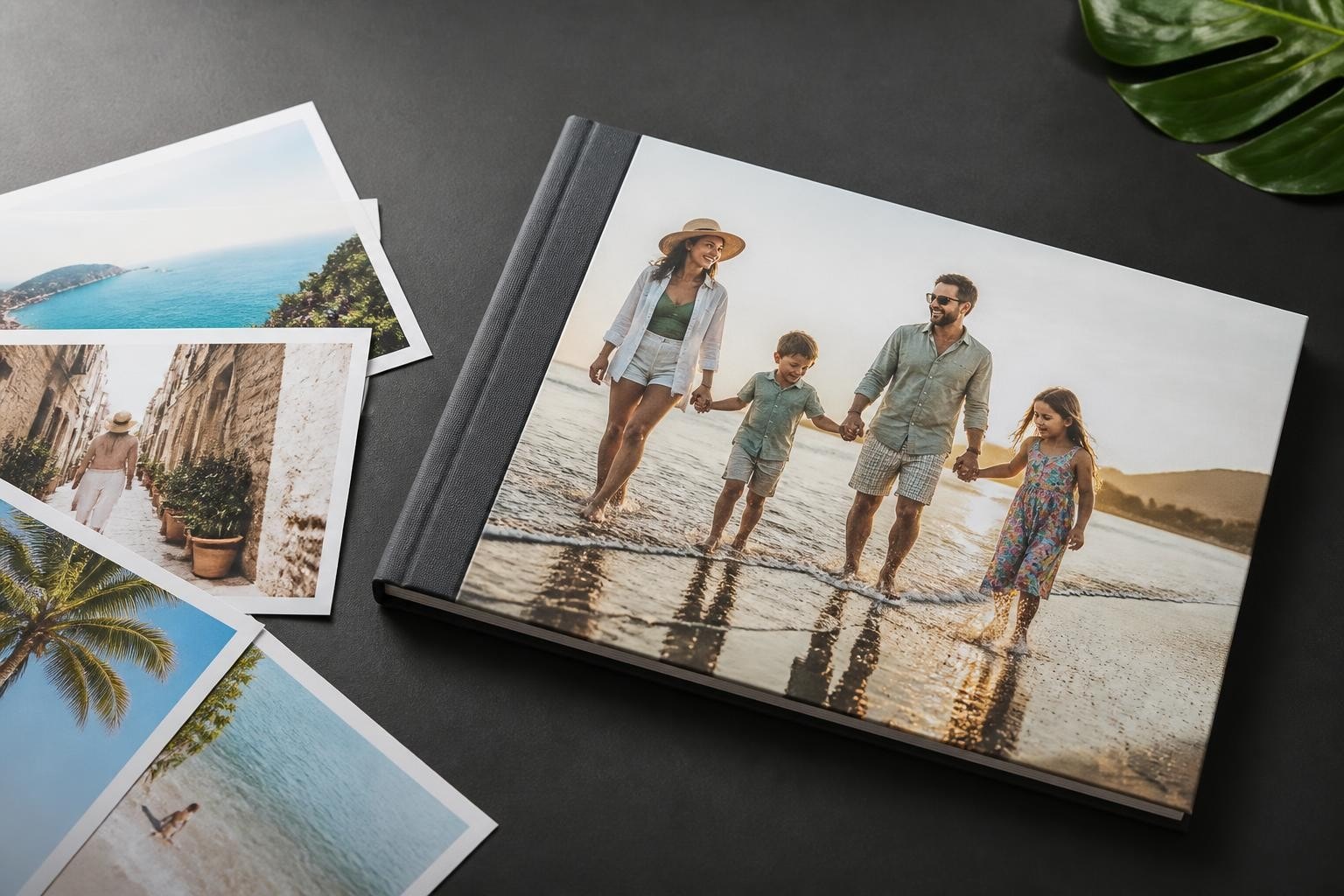
Transforming cherished holiday memories into a tangible keepsake has never been more accessible or rewarding. A well-crafted vacation photobook serves as both a visual timeline of your adventures and a conversation starter for years to come. Whether you've returned from a fortnight in the Mediterranean, a weekend city break, or an epic round-the-world journey, creating a professional-quality photobook allows you to relive those special moments whilst preserving them for future generations.
Why Create a Vacation Photobook
Digital photographs often languish on hard drives or cloud storage, rarely revisited despite their sentimental value. Physical photobooks provide a curated experience that encourages reflection and storytelling. Unlike scrolling through thousands of unsorted images, a thoughtfully designed album presents your journey with intention and narrative flow.
The tactile nature of a printed photobook creates an emotional connection that screens cannot replicate. Family gatherings become opportunities to share adventures, and children grow up with tangible records of family experiences. Research demonstrates that physical memory-keeping significantly enhances recall and emotional attachment to experiences.
Creating a vacation photobook also forces a valuable curation process. By selecting and organising your favourite images, you revisit your journey, strengthening the memories whilst discarding redundant or poor-quality shots.
Planning Your Vacation Photobook Structure
Before diving into design software, establish a clear framework for your album. Consider the story you wish to tell and how best to communicate your journey's essence.
Chronological Organisation
The most straightforward approach arranges photos sequentially from departure to return. This method works exceptionally well for travel photobooks that follow a specific itinerary, allowing readers to experience your journey as it unfolded. Begin with packing or airport scenes, progress through each destination, and conclude with homecoming moments.
Thematic Organisation
Alternatively, group images by theme rather than timeline. Separate chapters might focus on:
- Architecture and landmarks
- Local cuisine and dining experiences
- Natural landscapes and outdoor activities
- People and cultural encounters
- Transport and travel moments
This approach suits holidays with multiple locations or varied experiences that don't necessarily follow a linear narrative.

Hybrid Approaches
Many compelling vacation photobooks combine chronological and thematic elements. You might organise broadly by location whilst incorporating themed spreads within each section. For instance, a week in Italy could include chronological daily coverage punctuated by dedicated pages for food photography or architectural details.
Selecting the Right Images
Curation represents the difference between a memorable photobook and an overwhelming scrapbook. Quality consistently trumps quantity when creating personalised albums that people actually want to revisit.
The Selection Process
Begin with a first pass through all holiday photographs, flagging potential candidates. Then conduct a second, more critical review, eliminating duplicates and near-identical shots. Aim for variety in subject matter, composition, and mood rather than including every single photograph from a location.
Consider the narrative each image contributes. Does it advance the story, provide context, or capture an emotion? Images that do none of these probably don't warrant inclusion, regardless of technical quality.
| Selection Criteria | Keep | Remove |
|---|---|---|
| Technical Quality | Sharp, well-exposed | Blurry, over/underexposed |
| Emotional Impact | Captures feeling or moment | Generic or forgettable |
| Narrative Value | Tells part of story | Redundant or repetitive |
| Compositional Interest | Strong visual elements | Cluttered or confusing |
| Variety | Different perspectives | Too similar to others |
Balancing Different Photo Types
A dynamic vacation photobook incorporates various image types. Wide landscape shots establish setting and scale, whilst close-ups reveal details and textures. Include photographs of people to add emotional resonance, even if you're not a fan of posed portraits. Candid moments often prove most compelling.
Don't neglect the mundane details that provide authentic context: street signs, tickets, menus, or local shop fronts. These images, whilst perhaps not individually striking, contribute enormously to the overall sense of place.
Design Principles for Vacation Photobooks
Effective photobook design balances visual impact with readability. Professional-looking albums exhibit consistency whilst avoiding monotony through thoughtful variation.
Layout Fundamentals
White space serves as a crucial design element, not wasted real estate. Resist the urge to fill every centimetre with images or text. Breathing room around photographs allows each to shine and prevents visual overwhelm.
When working with modern photobook software, you'll encounter numerous layout templates. Whilst these provide helpful starting points, creative photo book layout ideas emphasise customisation to match your unique journey. Experiment with asymmetrical arrangements, varied image sizes, and unexpected cropping.
Typography and Captions
Captions provide essential context without overwhelming visual elements. Keep text concise, focusing on information that photographs cannot convey: dates, location names, anecdotes, or quotes from travel companions.
Maintain consistent typography throughout your vacation photobook. Select one or two complementary typefaces and stick with them. Body text should prioritise legibility over decorative appeal, whilst headings might incorporate slightly more personality.
Colour Harmony
Photographs naturally introduce abundant colour, so exercise restraint with additional design elements. Backgrounds, text boxes, and decorative accents should enhance rather than compete with images. Neutral tones typically work best, allowing photographs to provide colour interest.

Consider the overall colour palette when sequencing pages. Jarring transitions between warm and cool tones can disrupt flow, whilst gradual shifts create pleasing rhythm.
Technical Considerations
Technical decisions significantly impact your finished vacation photobook's quality and longevity. Understanding options ensures your album meets expectations.
Image Resolution and Quality
Digital photographs must meet minimum resolution requirements for quality printing. Images at 300 DPI (dots per inch) ensure sharp, professional results. Most modern smartphones capture sufficient resolution, but heavily cropped images may fall short.
Before finalising your layout, review each photograph at actual print size. Images that look acceptable on screen sometimes reveal quality issues when scaled to page dimensions. Replace or resize as necessary.
Paper and Binding Options
Paper stock affects both appearance and durability. Glossy papers enhance colour vibrancy and are ideal for destination photography with vivid landscapes. Matte or lustre finishes reduce glare and provide a sophisticated feel that suits certain aesthetic preferences.
Binding methods include:
- Layflat binding – Pages open completely flat, perfect for panoramic spreads
- Perfect binding – Pages glued into spine, similar to paperback books
- Spiral or coil binding – Pages turn easily, though less premium appearance
- Hardcover binding – Durable covers protect pages, ideal for heirloom albums
The photobook photo print process you select influences available options and pricing.
Size and Format
Common vacation photobook sizes range from compact 20×20cm squares to impressive 30×30cm formats. Larger sizes showcase photography dramatically but increase production costs and make casual browsing less convenient. Consider where and how you'll display and share your album.
Landscape orientation suits wide scenic shots, whilst portrait format works well for albums heavy on architectural or portrait photography. Square formats offer versatility and aesthetic appeal.
Adding Context and Storytelling Elements
Photographs form the foundation, but supporting elements transform a collection of images into a compelling narrative.
Maps and Itineraries
Incorporating maps helps readers understand geographical context. Highlight your route, mark significant locations, or create custom illustrated maps that match your photobook's aesthetic. Journey maps work particularly well for travel photo albums covering multiple destinations.
Memorabilia Integration
Scan tickets, postcards, stamps, or other flat memorabilia to include alongside photographs. These tangible reminders add authenticity and dimension to your story. Position them as design elements rather than afterthoughts.
Quotes and Reflections
Personal reflections, favourite quotes, or snippets from travel journals add emotional depth. Brief paragraphs describing particular experiences or lessons learned make your vacation photobook more than just visual documentation.
Consider including perspectives from travel companions. Children's observations or a partner's favourite moments provide alternative viewpoints that enrich the narrative.
Workflow and Project Management
Creating a polished vacation photobook requires organisation and patience. Establishing an efficient workflow prevents the project from becoming overwhelming.
Breaking Down the Process
Divide creation into manageable phases:
- Photo selection and basic editing (colour correction, cropping)
- Narrative planning and structural outline
- Initial layout and design
- Caption writing and text integration
- Design refinement and consistency checks
- Final proofing and corrections
Tackle one phase completely before advancing to prevent becoming bogged down in endless tweaking. Set deadlines for each stage to maintain momentum.
Software Selection
Modern photobook creation software offers varying levels of complexity and creative control. Beginners benefit from templates and guided workflows, whilst experienced designers appreciate granular control over every element.
Cloud-based solutions enable work across devices, whilst desktop applications often provide more robust editing capabilities. Consider your technical comfort level and design ambitions when selecting tools.

Collaboration and Feedback
If creating a vacation photobook for shared experiences, involve travel companions in the creation process. Collaborative reviews catch errors, spark memory-sharing discussions, and ensure everyone's favourite moments receive representation.
However, establish one primary designer to maintain consistent vision. Too many competing aesthetic preferences result in disjointed final products.
Common Mistakes to Avoid
Understanding frequent pitfalls helps you create a vacation photobook that exceeds rather than disappoints expectations.
Overcrowding Pages
The impulse to include everything leads to cluttered, overwhelming layouts. Each page should communicate one clear idea or moment. If you're forcing eight photographs onto a single spread, you're likely diluting impact rather than enhancing it.
Inconsistent Editing Styles
Mixing heavily filtered images with unedited photographs creates visual discord. Establish a consistent editing approach before beginning layout. Whether you prefer vibrant, saturated colours or muted, film-inspired tones, maintain that aesthetic throughout.
Neglecting Proofreading
Spelling errors and factual mistakes undermine professionalism. Proofread all text multiple times, ideally with fresh eyes after stepping away from the project. Verify dates, place names, and spellings, particularly for international locations.
Poor Photo Quality
Including blurry, poorly exposed, or technically flawed images because they capture important moments damages overall impression. If a crucial moment suffers from poor photography, consider representing it through caption text instead.
Making Your Vacation Photobook Last
Once created, proper care ensures your photobook remains pristine for decades.
Storage Recommendations
Store photobooks upright on shelves rather than stacked horizontally, which can cause warping over time. Keep them away from direct sunlight to prevent fading, and maintain moderate humidity levels to avoid page adhesion or mould.
Archival-quality photobooks using acid-free papers and inks resist deterioration better than budget options. Consider this longevity when making production decisions.
Creating Backups
Digital backups preserve your work if physical damage occurs. Save completed photobook files and original image selections separately. Consider ordering duplicate copies for particularly important journeys or as gifts for family members who shared the experience.
Updating and Expanding
Some travellers create ongoing series, producing new volumes for each significant journey. Maintaining consistent sizing, binding, and design elements across multiple vacation photobooks creates a cohesive collection that documents years of adventures.
Software Solutions for Professional Results
The photobook creation landscape has evolved dramatically, with sophisticated tools now accessible to amateur designers. Modern platforms balance ease of use with professional capabilities, enabling stunning results without graphic design training.
Advanced features like intelligent auto-layout suggest arrangements based on image content and composition. Drag-and-drop interfaces simplify positioning, whilst extensive template libraries provide inspiration. Real-time 3D preview shows exactly how your finished album will appear.
For businesses offering photobook creation services, robust backend systems ensure smooth order processing and consistent quality control. Enterprise-level solutions support customisation whilst maintaining efficient production workflows.
Creating a memorable vacation photobook requires thoughtful planning, careful curation, and attention to design principles that enhance rather than overwhelm your photography. By focusing on narrative flow, maintaining visual consistency, and balancing technical quality with emotional resonance, you'll produce albums worth revisiting for years to come. Taopix provides comprehensive software solutions that empower businesses to offer professional photobook creation with fully customisable workflows and flexible design options, enabling you to transform customer memories into beautiful, lasting keepsakes.